See the pattern
Workouts, sleep, steps and food logs can show what is happening across weeks.
NEXT PHASE / TECHNOLOGY
Watches, rings, scales and smart apps can make your progress easier to see. The value comes from using the information to make realistic changes—not collecting more numbers.
Illustrative product imagery · not a depiction of a specific brand
TECH + COACHING
Workouts, sleep, steps and food logs can show what is happening across weeks.
A coach asks what changed: work, stress, travel, soreness, training load or appetite.
Fine-tune a session, a routine or a nutrition habit, then check whether it helped.
You do not need to own any device to train with us. Bring the tools you already use if they help you—and keep control of what you share.
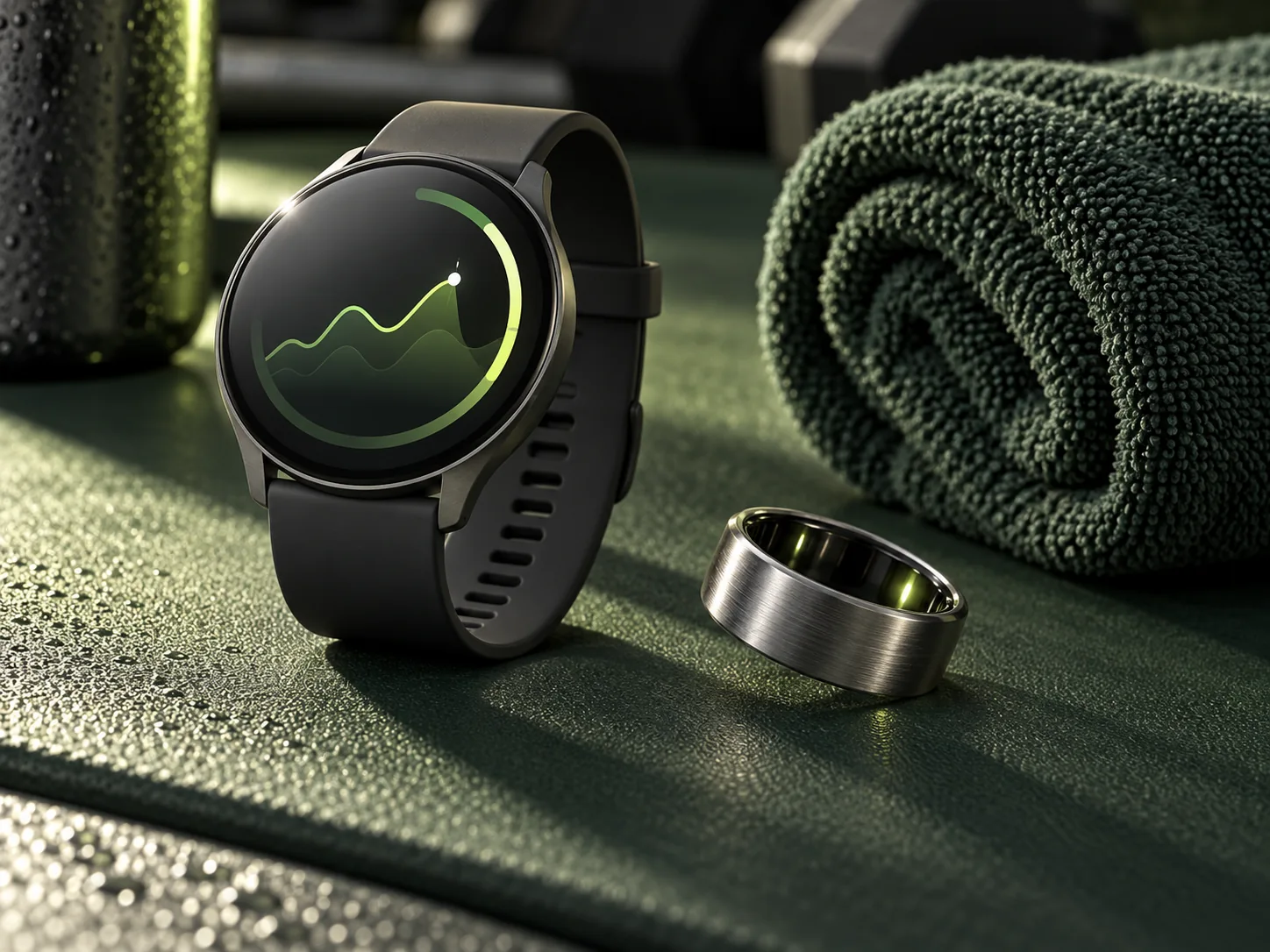
WEARABLES
Activity, sleep and heart-rate trends can add context to your training. Look for a repeated pattern, not a verdict from one readiness score.
Compare wearables ↗01 / WATCHES, BANDS & RINGS
Pick the device that matches the habit you want to support. Features vary by model, region and subscription.
Best fit: everyday movement and workout logging in the Apple ecosystem.
Use the trend; avoid treating the calorie estimate as an exact food allowance.
Best fit: an approachable daily activity and sleep routine.
Compare the current models and any paid features before buying.
Best fit: running, cycling and structured sport training.
Choose by your sport and the specific model’s features.
Best fit: screen-free sleep and recovery awareness.
A readiness score is a conversation starter, not an order to skip or force a workout. Check membership terms.
Best fit: people who want a screen-free recovery and training-load view.
Membership is central to the product; check current Canadian terms.
Start with one question: “Am I moving more often?” or “Am I sleeping enough to support training?” Choose the device that helps answer it, then look at weeks rather than single days.
Research on wearable accuracy ↗02 / SMART SCALES
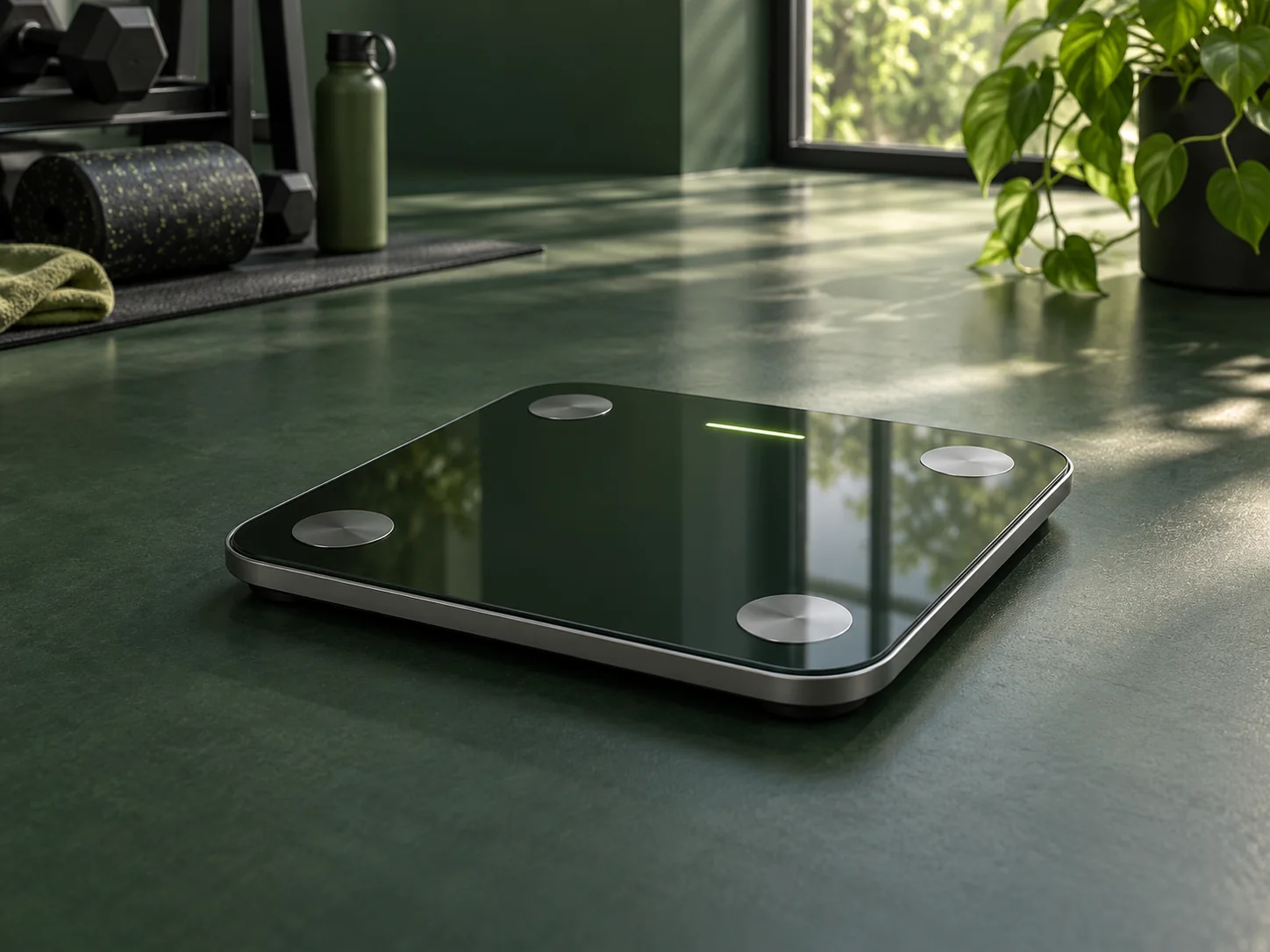
Automatic weight history can make gradual changes easier to see. Some models estimate body composition, which may add context when measured consistently.
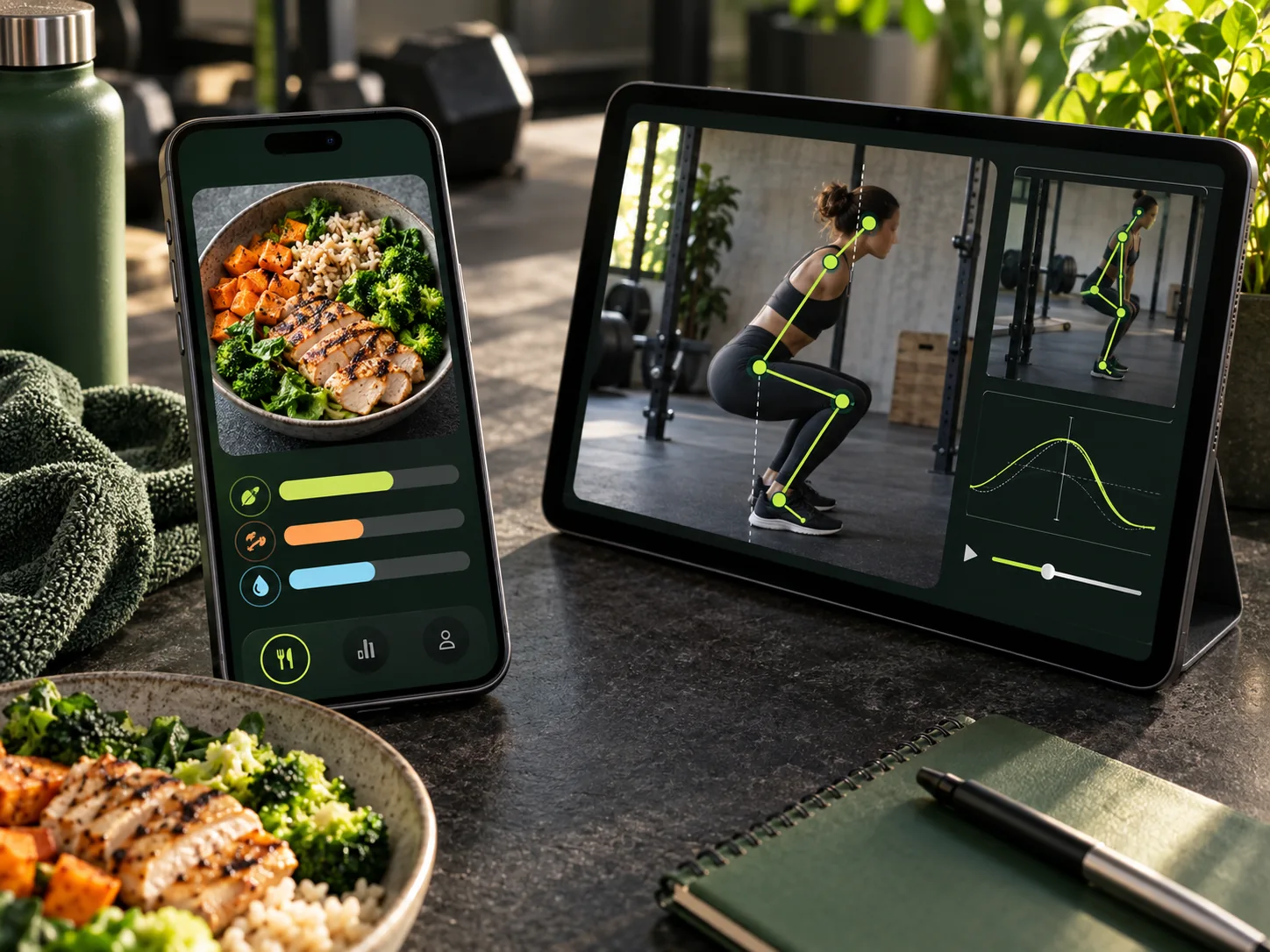
APPS + COACHING
Food photos and movement video can lower the friction of tracking. They still benefit from checking portions, technique and context with a person.
Explore apps ↗03 / FOOD & COACHING APPS
These apps serve different jobs: meal logging, program delivery and movement review. No automatic connection between them is implied.
A place for a coach to deliver training plans, check-ins and messages.
Availability depends on the coach’s setup and plan.
Video-based movement analysis and repeatable assessments.
Video angles are coaching aids, not a medical diagnosis.
Photo, label and barcode logging inside the Everfit client app.
Check the suggested food and portion before saving; a photo cannot reliably see every ingredient or cooking oil.
Image-based meal suggestions within a familiar food diary.
Review the identified foods and quantities. Check which subscription includes the feature.
Photo, barcode and description-based food logging.
Portions and mixed dishes need a human check. The app’s estimate is not a lab measurement.
Use a scanner to save time, then compare its output with a package label or weighed portion when accuracy matters. A useful log is one you can maintain without stress.
Our food and portion guide ↗THE NEXT PHASE APPROACH
Bring an Apple Watch, Fitbit, Oura Ring—or no wearable at all. We can use the information you choose to share to support a plan that fits your life.
Talk about your goals ↗